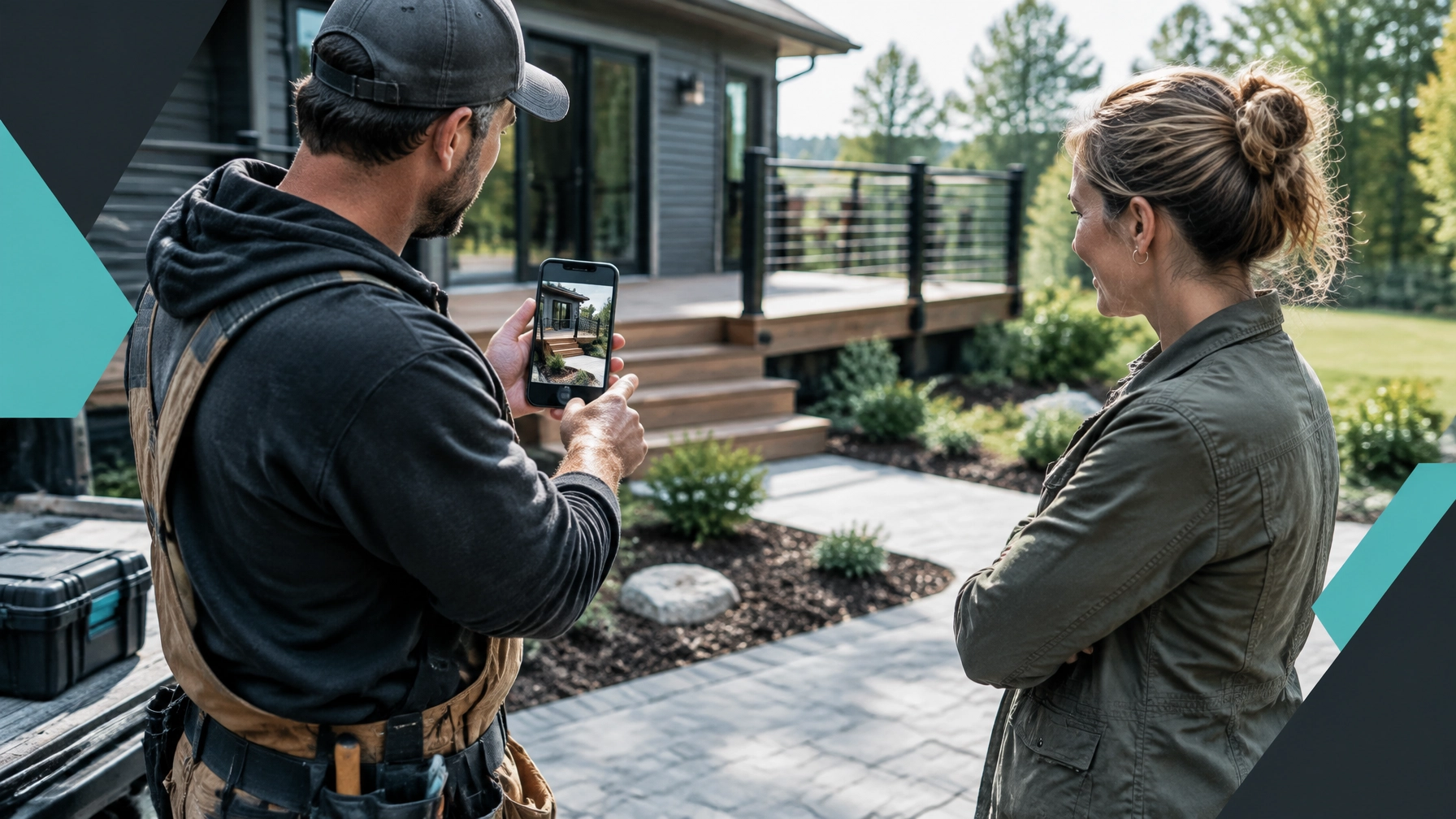
TL;DR: Add real, recent photos that show your people, your process, and the finished result to make your Google Business Profile more trustworthy before a customer visits your website. Use those photos alongside reviews, Google Ads, and focused landing pages so local prospects feel confident that you can do the job properly.
Put real proof where local customers are looking
Your Google Business Profile photos should answer one question quickly: “Can I trust this business to do what I need?” Show the work, the people doing it, the equipment behind it, and the clean result customers can expect. Real images create emotional safety by making the business feel familiar, while visible quality builds competence bias. The tendency to assume a business is capable when it presents strong evidence of skill. A customer may never say this out loud, but those judgments often happen before they call.
Why do Google Business Profile photos matter before someone visits your website?
When someone searches for a plumber, bakery, barber, mechanic, landscaper, or HVAC company, your Google Business Profile may be the first thing they see.
They may notice your:
- Main profile photo
- Recent uploads
- Customer review photos
- Team images
- Finished projects
- Storefront, vehicles, or equipment
This happens before they read your full website. It also happens while they are comparing you with several nearby businesses in Google Search or Maps.
Photos do not guarantee a higher local ranking. However, they can influence whether someone clicks, calls, asks for directions, or keeps comparing businesses. Google’s official photo guidelines recommend images that are authentic, in focus, well lit, and representative of the real business.
The psychology is simple. Customers want to feel safe choosing a business they do not know. A homeowner inviting an HVAC company into the house wants to see signs of professionalism. A parent choosing a barber wants to see a clean, comfortable space. Someone hiring a contractor wants evidence that the company has completed similar work before.
Your photos provide that evidence at a glance.
Which photos should a small business add to its profile?
A useful photo library should show more than your logo. Build it around the questions a potential customer is already asking.
What finished work can you show?
Completed work is usually your strongest visual proof.
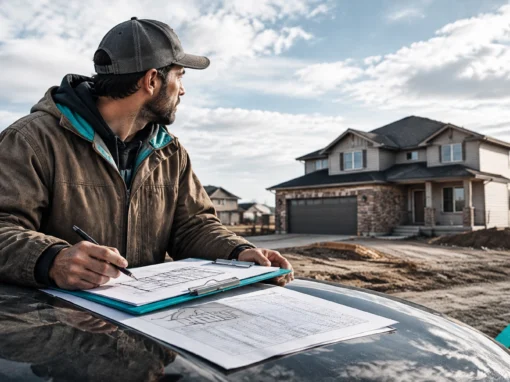
A contractor can show a finished renovation, new deck, bathroom, roof, or concrete patio. A landscaper can show a clean yard transformation. A cleaning company can show an organized commercial space or a detailed before-and-after result. A mechanic can photograph a completed repair, restored vehicle, or clean service bay.
Try to show the full result rather than only close-ups. Customers want context. A wide shot helps them understand what you actually delivered.
Can customers see your team at work?
Photos of your team make the business feel more real and approachable.
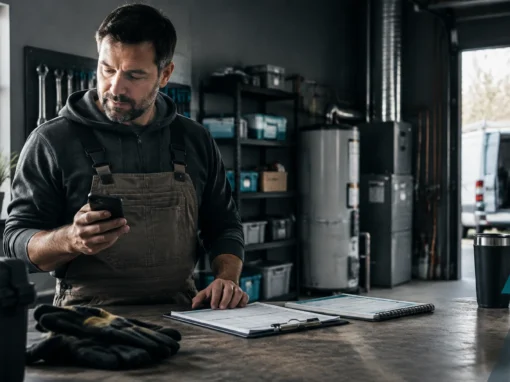
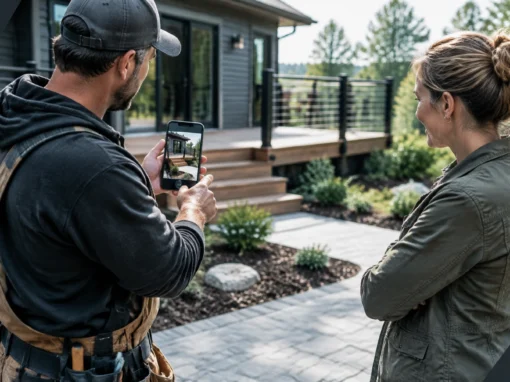
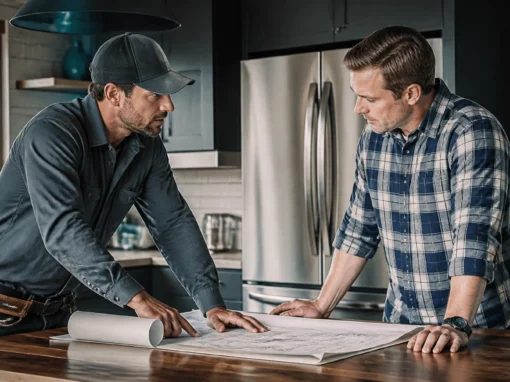
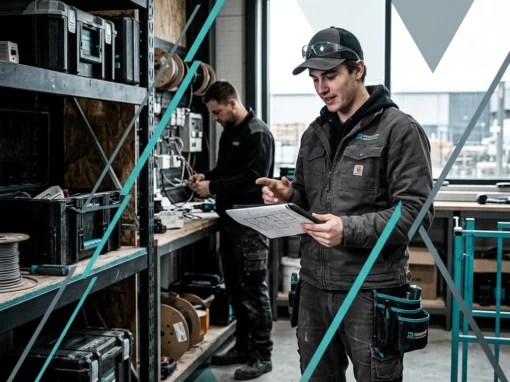
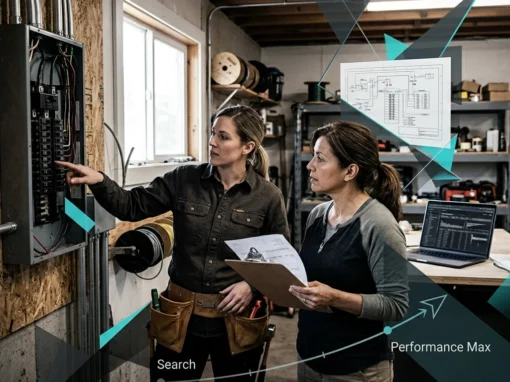
Show an electrician reviewing a panel, a baker preparing a batch, a barber working with a client, or an HVAC technician checking equipment. These do not need to look staged. In fact, natural working photos often feel more trustworthy than formal portraits.
They also reduce uncertainty. A customer can get a sense of who may arrive at their home, who will handle their order, or what the experience may feel like.
What branded vehicles and equipment should you include?
Vehicles, tools, equipment, uniforms, and signage can all reinforce legitimacy.
For a mobile business, a branded truck helps customers recognize you when you arrive. For a landscaper, photos of the actual equipment show that you are prepared for larger projects. For a bakery, a clean display case or commercial kitchen can demonstrate capacity and care.
Keep these images useful. A vehicle photo is stronger when it shows the truck at a real job site or parked outside your business, not when it is simply a dark, blurry shot of a logo.
Can you show local project photos?
Local relevance matters because customers want to know whether you serve their area and understand the conditions there.
A renovation contractor can show a project in Saskatoon or a nearby community. A snow removal company can show the type of commercial property it services. A bakery can photograph a catered event at a recognizable local venue. A mechanic can show work completed for local drivers without exposing private information.
Do not reveal addresses, license plates, customer documents, or other sensitive details. Ask for permission when a property, customer, or identifiable person appears in the image.
What should the worksite or business space look like?
Clean-worksite photos communicate organization and care.
Show protected floors, tidy tools, swept surfaces, organized work areas, clean counters, or a welcoming reception space. A customer is not only buying the final result. They are also buying the experience of having your business in their home, on their property, or in their community.
This is where emotional safety and competence overlap. A tidy job site suggests that you know what you are doing and will respect the customer’s space.
What makes a Google Business Profile photo trustworthy?
The best photos are not necessarily the most polished. They are the clearest and most believable.
Use these standards:
- Use real photos of your actual business. Stock photography may look professional, but it does not prove anything about your company.
- Show the result clearly. Avoid cluttered angles where customers cannot tell what they are looking at.
- Use natural or even lighting. Dark, blurry, or heavily filtered photos make the business look less capable.
- Keep editing minimal. Correct brightness or crop the image, but do not alter the work so much that it no longer represents reality.
- Include people naturally. Make sure staff and customers have given permission before posting identifiable images.
- Avoid other people’s work. Do not download a competitor’s project photo or use an image from a manufacturer as if your team completed the job.
- Leave out excessive text and promotional graphics. The image should show proof, not look like a small billboard.
Google recommends JPG or PNG files that are at least 250 by 250 pixels, with 720 by 720 pixels often used as a practical target for square images. The technical details matter less than uploading images that are sharp, accurate, and easy to understand.
For more practical local search guidance, BrightLocal’s Google Business Profile photo guide is also useful.
How often should you add new photos?
You do not need to upload photos every day. A steady rhythm is more realistic and more useful.
For most local businesses, aim to add two to four relevant photos each month, plus extra images after a notable project, event, renovation, seasonal update, or new service launch.
Examples include:
- A contractor uploads project progress and the final result.
- A landscaper adds spring and fall yard transformations.
- A bakery photographs seasonal products and custom orders.
- A barber shows a refreshed shop, new service, or finished style.
- A mechanic adds a clean service-bay photo and a completed repair.
- An HVAC company shares equipment installations and tidy work areas.
The goal is to keep your profile current without filling it with repetitive images. Ten different photos of the same truck will not help as much as a balanced set showing your team, services, customers’ results, and business environment.
How do photos work with reviews, Google Ads, and landing pages?
Photos are most useful when they support the rest of your marketing.
Photos and reviews reinforce each other. A review saying “they left everything spotless” becomes more believable when your profile includes clean-worksite photos. A review praising a kitchen renovation has more impact when customers can see the completed project.
Photos and Google Ads create a proof loop. An ad may promise fast HVAC service, professional landscaping, or quality renovations. When the customer checks your profile, real images should support that promise. If the ad says one thing but the profile looks abandoned, trust drops.
Photos and landing pages should tell the same story. If someone clicks an ad for bathroom renovations, they should find relevant project photos on the landing page, not only generic images. Our Google Ads management and landing page services are built around connecting the click to the next step.
Whether you run a roofing company, bakery, cleaning service, or local retail business, your photos should match the service the customer is trying to buy.
How can one job become a stack of marketing content?
One completed job can create weeks of useful marketing material.

Use this simple process:
- Take progress photos. Capture the starting condition, key stages, and finished result.
- Choose the strongest Google Business Profile images. Pick clear photos that show what changed and what your team delivered.
- Ask for permission and a review. Make the request after the customer has seen the finished work and is happy with the result.
- Create a before-and-after post. Share the transformation on Facebook, Instagram, or LinkedIn.
- Add the project to your website. A short project gallery or case study can help future customers picture their own result.
- Use the best image in relevant ads or landing pages. Keep the message and service focused.
- Save the original files. You may reuse them later in seasonal campaigns, sales follow-ups, or social content.
This turns one job into proof across multiple parts of your marketing instead of letting the photos sit on one employee’s phone.
What common photo mistakes hurt local businesses?
The biggest mistakes are usually easy to fix:
- Using only a logo: A logo identifies you, but it does not show what customers can expect.
- Uploading stock images: Generic photos create distance and may make the profile feel misleading.
- Using someone else’s work: This can damage trust and create copyright problems.
- Posting without permission: Get consent before showing customers, private property, or recognizable personal details.
- Uploading blurry or dark images: A poor photo can make good work look average.
- Showing messy work areas: If the mess is part of the process, show the result and the cleanup too.
- Ignoring the profile for months: An outdated profile can suggest that the business is inactive or careless.
- Posting random images with no service connection: Every photo should help a customer understand what you do.
If you serve contractors or renovation businesses, our digital marketing services for renovation contractors show how local proof, clear service information, and lead generation can work together.
What should you do this week?
Set aside 30 minutes and review your profile as if you were a new customer.
Ask:
- Can I see the work this business actually does?
- Do the photos look current?
- Does the business feel organized and approachable?
- Are there examples relevant to my service?
- Do the photos support the claims made in the reviews?
- Is it obvious what I should do next?
Then upload three to five strong images, remove anything misleading or poor quality, and create a simple reminder to add new photos after each worthwhile job.
Make your local marketing easier to manage
Good photos can help customers feel comfortable choosing you, but they work best as part of a connected marketing system. Your Google Business Profile, reviews, ads, website, landing pages, and follow-up process should all point toward the same outcome: a customer who is ready to contact you.
Funky Moose Digital helps small businesses and contractors build that system in plain English, with a focus on real inquiries and booked work. Request a quote and let’s look at where better local proof could help your business win more of the right jobs.
Key Takeaways
- Use real photos of your completed work, team, equipment, business space, and local projects.
- Add new images consistently: roughly two to four useful photos per month is a practical starting point.
- Clear, well-lit, permission-based photos help customers feel safer and see your business as more capable.
- Connect Google Business Profile photos with reviews, Google Ads, landing pages, and website project galleries.
- Avoid logo-only profiles, stock images, borrowed work, blurry photos, and long periods of neglect.